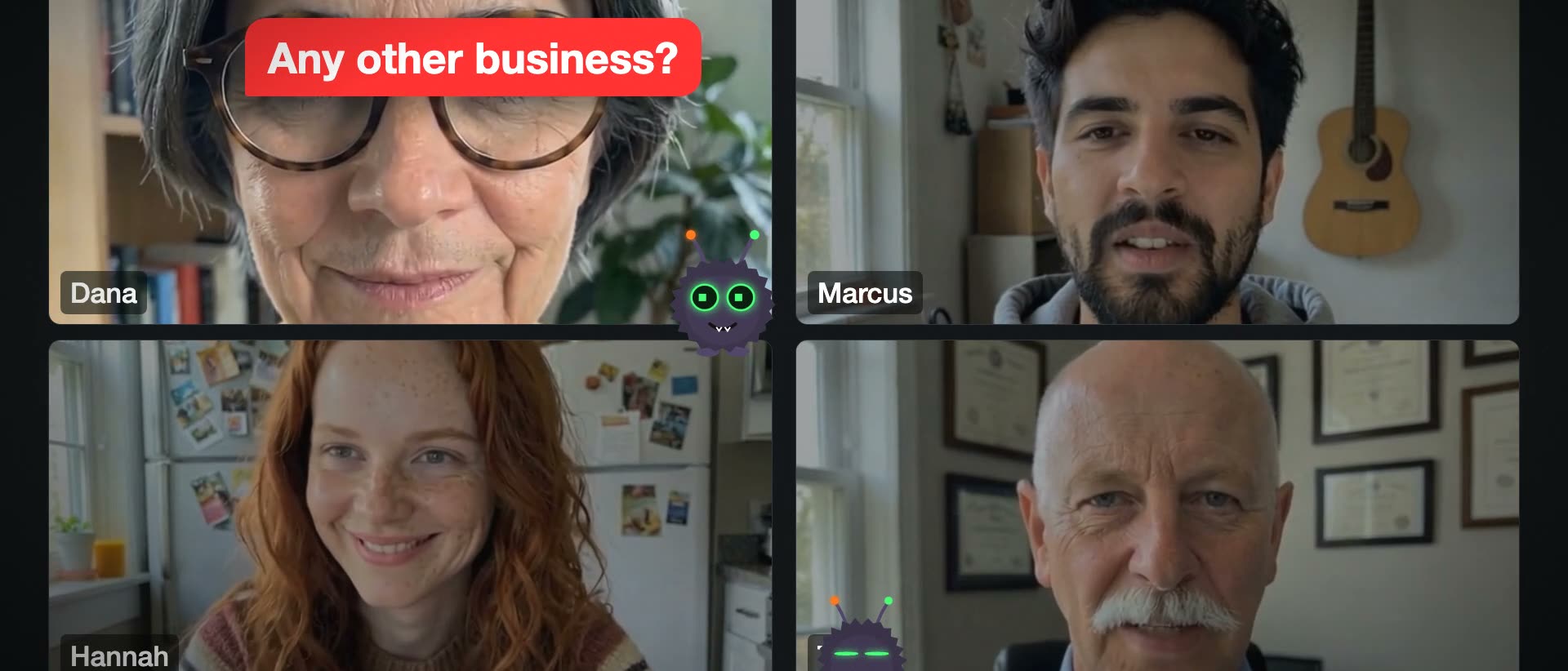
AI clips that don't freeze or loop
An image-to-video clip runs about five seconds. A shot often runs seven to eleven. What fills the gap decides whether a generated person looks alive.
Three ways to fill it, measured
We hit this making comedy shorts with animated photos: an LTX clip of a person laughing is about five seconds, and the shot it sits in is longer. Each way of filling it was measured on the same 11-second shot. The raw LTX clips measured 0% repeats, so the loop was ours, not the model's.
| Hold the last frame | 63% frozen, reads as a pause |
| Play the tail back and forth | 29% repeats, reads as a rewind |
| Continue the clip from its own frame | 0% frozen, 0% repeats |

Continue, don't stretch
Take the clip's last good frame, run image-to-video again from it with the same prompt, and join the two with a cross-fade of about 0.12 seconds. Repeat for longer shots. Each extension is one more clip, about $0.08 on Modal.
"Last good" matters: continuing from an earlier frame also cuts out a bad stretch. A feet-up kick that grew a third leg never plays if the continuation starts before it.
uv run tools/ltx_extend.py --input people/rob.mp4 --at 4.8 \
    --prompt "A fixed view that never moves ... the same man keeps laughing" \
    --output people/rob-long.mp4
# --times 2 for a third link
Learned the hard way
- Never continue from a close-up. With only a face to go on, the model invents a new scene.
- Lock the framing in words, a fixed view with no zoom and no cuts, but don't say "tripod": it draws one.
- Seek before the end. Grabbing a clip's very last frame with ffmpeg returns nothing.
- Keep what you paid for. A chain that fails at link two keeps link one, so a re-run doesn't pay twice.
- Slow a slightly short clip down to about 0.8x before faces look slow-motion; beyond that, extend.
Catching it automatically
A whole-frame check for movement misses a frozen face, because something else on screen is always moving. qc.py --render looks per region for motion that stops dead: part of the frame moving for three seconds or more, then frozen for two or more while the rest goes on. On four renders it found every clip freeze in the old cuts and none in the fixed ones.