Release notes with no screen recording
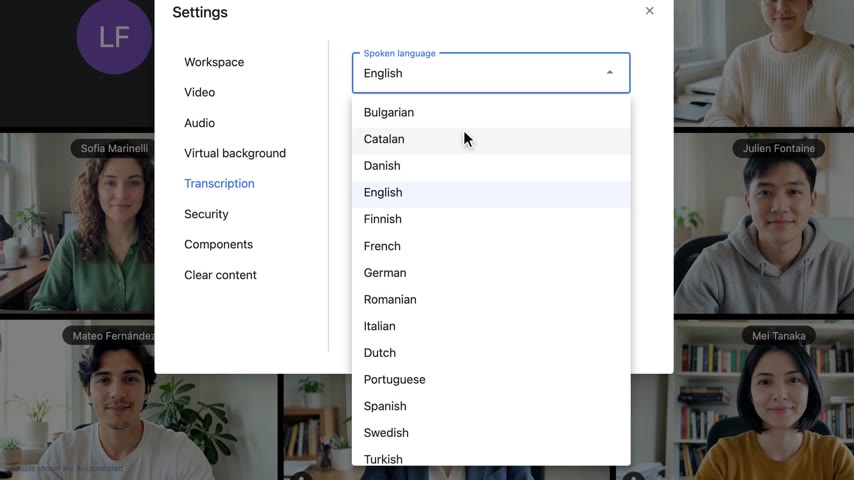
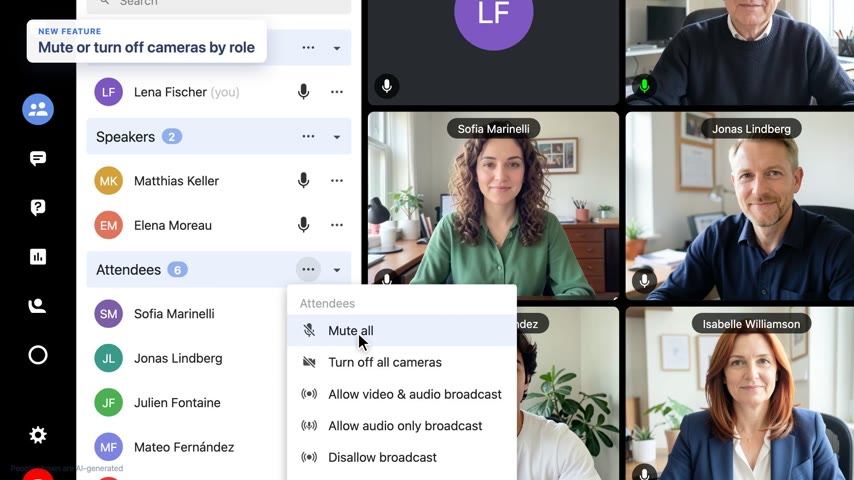
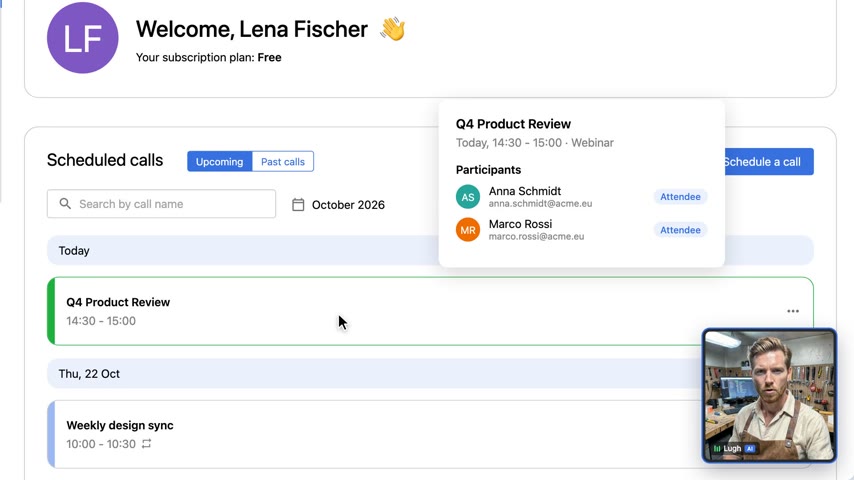
Claude Code reads your app's source, rebuilds the screens as React and films them with a scripted cursor and camera. Nothing to record, no test data, nothing that goes stale.
Why not record the screen?
A screen recording needs a running app, accounts, test data and a clean state, and it breaks on the next UI change. A rebuilt screen is static React: it renders the same every time, shows exactly the state the story needs, and the camera can zoom anywhere without blur.
How it works
- Write the narration first, one sentence per item, and generate it. A cloned voice works well.
- Rebuild each screen from the app's own components and styles, as a static page at a fixed canvas size. Claude Code reads the source; you point it at the right files.
- Drive it with
StageandCursor: a browser window, camera keyframes for zoom and pan, and an eased cursor with click ripples. Every click is a frame looked up from the narration withcue('save'), so a re-timed voice moves the whole scene with it. - Check the text with
qc.py --layout: text too small for a phone, clipped, or under WCAG contrast.
Start
The template ships as a finished build, so it renders as it is. For your release, keep the screen kits and replace the scenes. The method and its gotchas are in the synthetic-ui-demo skill.
cp -r templates/ds-release-notes projects/my-release
# then, in Claude Code:
Make a release-notes video for these three changes: ...
The app's source is in ~/code/my-app.